
Set up Remote Play on your own console or PC
· WORLD GAMING GUIDE
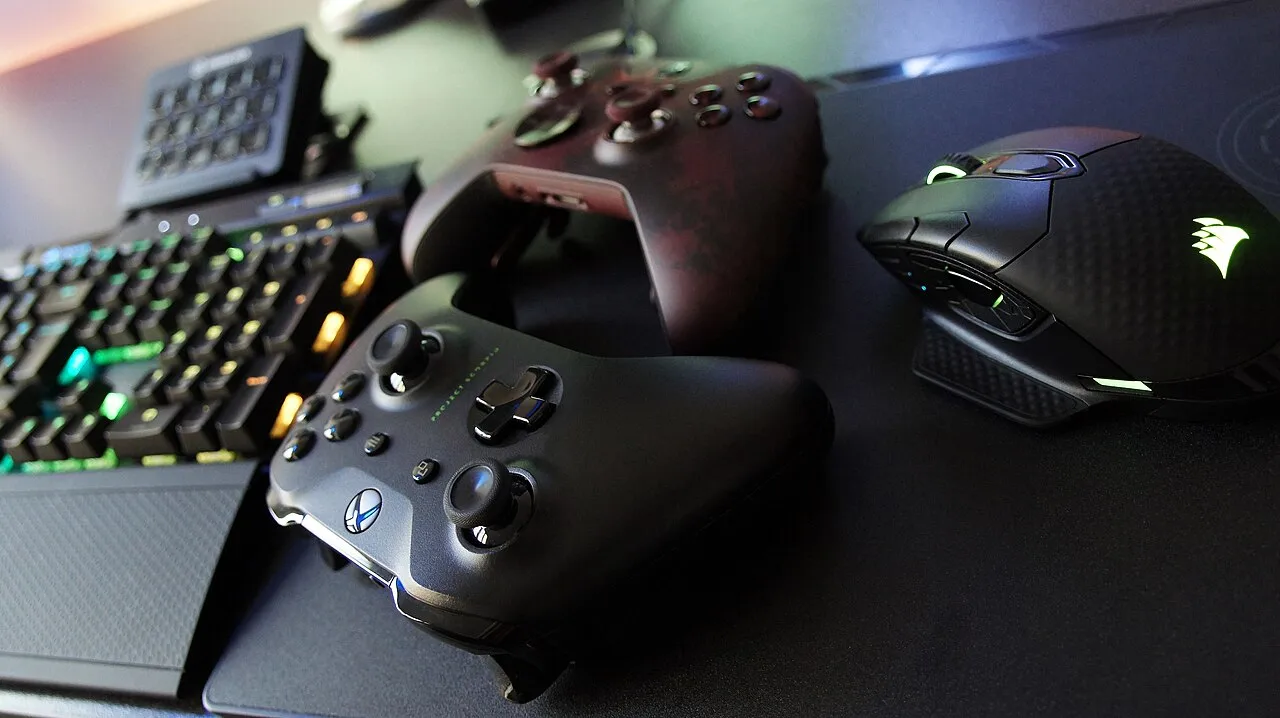
Remote Play streams a game running on your console or PC to a compatible device. Keep the host available and test the entire session before leaving home.
Pair and test at home
Enable remote features on the host. Pair the client, connect the controller and try opening a game with an existing save. PlayStation and Xbox publish separate requirements. For Steam Remote Play, leave Steam running on the host.
Repeat on the network you will actually use
The host sends the video and the client receives it. Try a moving scene, observe delays in the controls and lower streaming quality to see whether playback settles. On mobile data, check your data allowance.
Prepare to reconnect
Test waking the host if supported, going back to the game and saving. Steam Remote Play Together streams local co-op to invited players. Check that specific feature if you plan to invite someone.
Decision framework
| Situation | Check | Useful decision |
|---|---|---|
| The host is not found | Power, sign-in and pairing | Confirm it appears on your home network |
| Video breaks up | Host upload and client connection | Compare networks and reduce stream quality |
| Controls react late | Response in a fast scene | Try a wired host connection and compare |
Understand streaming data use
Example: a constant 20 Mbps stream for 2 h uses 18 GB of video data. Actual bitrate varies with the service, quality and scene. Audio and other traffic may add data. This calculation does not measure latency or connection quality.
Estimates stay on this page. Values are not saved.
Estimated video data (GB) : 18
Source and method : Steam · bits / bytes (EN)
Calculated examples, not a test of your device or connection.
Your action plan
- Test a full session at home.
- Repeat from a second network.
- Check wake-up, reconnecting and saving.
Your verification sheet
Tick completed checks and note what remains uncertain. This tool keeps values in the page without sending them or creating a saved file. Copy any notes you want to keep.
Practical example
Before a trip, try joining from your phone over mobile data. Launch the game, load a save and reconnect. If you cannot wake the console remotely, correct the settings while you still have access to it.
Common questions
Can I turn off the host?
The host must be able to run the game. Some hosts can wake from an appropriate standby mode.
Will the game run on the phone?
The phone displays the stream and transmits commands. The host runs the game.
Sources and resources
These official sources describe the named services or devices. Their rules do not automatically apply to other products: check your model, game, account region and current terms.