
Choose a game that works offline
· WORLD GAMING GUIDE
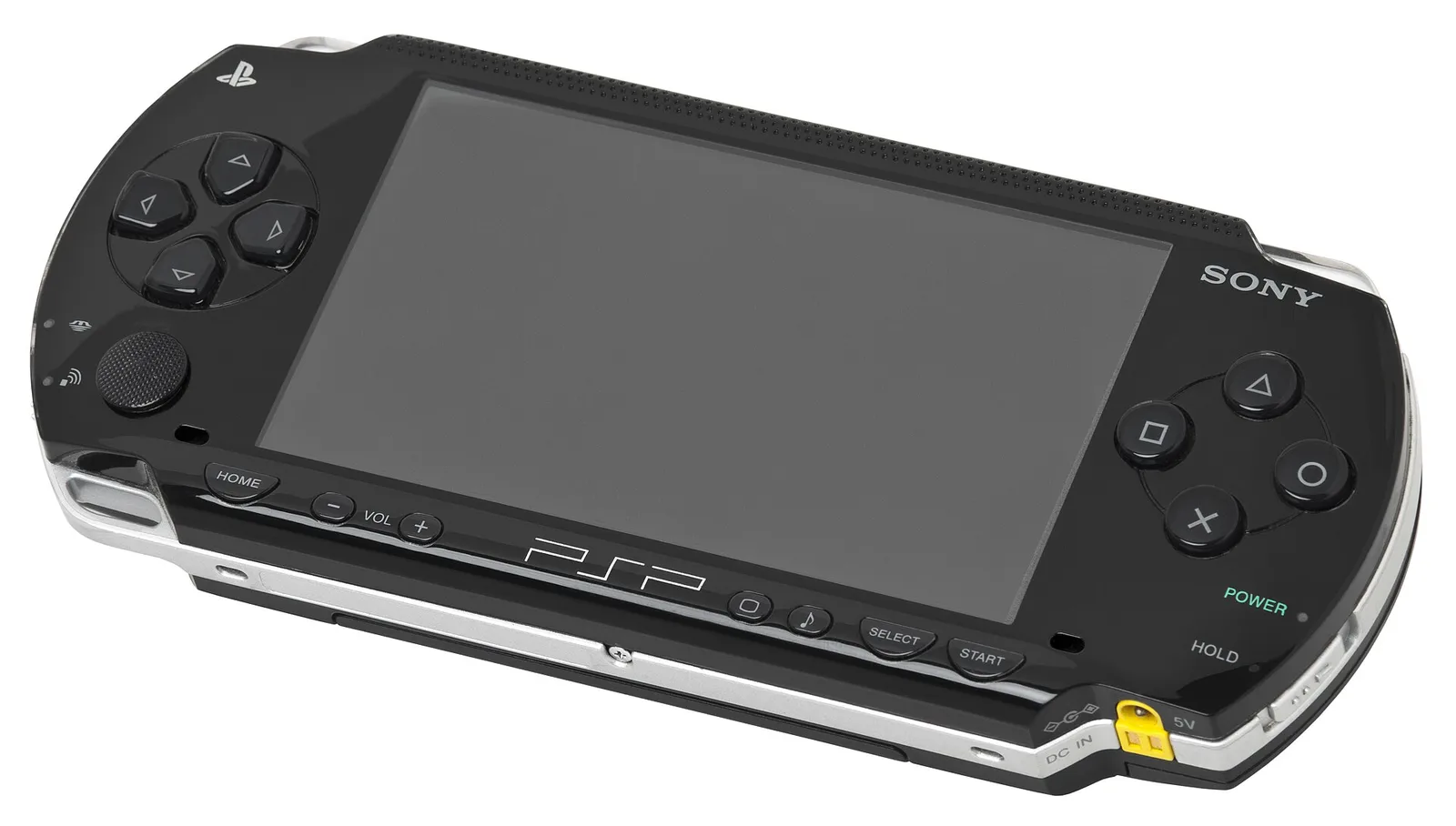
Single-player does not automatically mean offline. Install and activate the game while online, then disconnect the actual device and test the intended mode and save with the intended profile.
Prepare while online
Install the game, required language packs, updates and expansions before leaving. Start it with the account you will use. Check the store’s official offline procedure and whether an external launcher or the game itself requires a live connection.
Test a fresh start
Close the game, disconnect the network and launch it again. Load a save, play a representative sequence and save locally. Restart once more to confirm that progress can be resumed. Reaching the title screen alone is insufficient.
Check the exact licence
Console-sharing settings, subscription status and periodic checks may affect access. Do not infer an unlimited offline period. A Switch 2 game-key card needs the initial download and free storage; afterwards the card must remain inserted to play.
Return without losing progress
Keep the offline save until online synchronisation completes. If two versions conflict, compare actual progress, device and session time before choosing. Avoid overwriting the only copy merely because another timestamp is newer.
Decision framework
| Situation | Check | Useful decision |
|---|---|---|
| Single-player mode | Read network requirements | A solo campaign may still need a connection. |
| Installed game | Check activation and required content | A finished download does not prove offline access. |
| Local progress | Restart and reload without network | A server-based progression may remain unavailable. |
Estimate transfer time
Example: 100 GB at 100 Mbps = 2 h 13 min 20 s. Decimal GB: 1 GB = 1,000 MB; 1 byte = 8 bits. Decompression, installation, interruptions and a shared connection add time. Transfer size can differ from installed size.
Estimates stay on this page. Values are not saved.
Theoretical minimum time : 2 h 13 min 20 s
Source and method : Steam · bits / bytes (EN)
Calculated examples, not a test of your device or connection.
Your action plan
- Identify edition, device and account.
- Install updates and required content while online.
- Close, disconnect, relaunch and test the intended mode.
- Save locally and confirm the save loads after restarting.
- Keep the original progress until synchronisation is verified.
Prepare a real offline session
Installation alone may not be enough. Test the game on the device and profile you will actually use.
| Situation | What it means | Your check |
|---|---|---|
| PS5 · downloaded game | Console Sharing and Offline Play can be enabled on one PS5 at a time; some subscription benefits can be shared. | Check this setting and the individual game requirements before leaving. |
| Steam · offline mode | Update the game and launch it online first. Games requiring an active connection or an external launcher will not work in this mode. | Prepare offline mode, then try the game before travelling. |
| Switch 2 · game-key card | The card unlocks the initial download; it does not store the full game data. Keep it inserted to launch the downloaded game. | Allow internet access and free storage for the first launch; check the title’s online modes separately. |
Your verification sheet
Tick completed checks and note what remains uncertain. This tool keeps values in the page without sending them or creating a saved file. Copy any notes you want to keep.
Practical example
Before a train journey, test with the handheld disconnected at home. If the game only opens after an online sign-in, solve that requirement before departure; an already open session does not prove the next launch will work.
Common questions
Does a physical copy guarantee offline play?
No. Downloads, activation or the selected game mode may still need a connection. Check the exact edition.
Does the cloud replace a local save?
Not while disconnected. Check where progress is stored and whether the game supports offline saves.
Sources and resources
These official sources describe the named services or devices. Their rules do not automatically apply to other products: check your model, game, account region and current terms.