The major gaming ecosystems
Where to play?

The major gaming ecosystems

Console, computer or mobile: compare uses, catalogues and ways to play.

The major gaming ecosystems
01
PlayStation 5
Sony

PlayStation 5

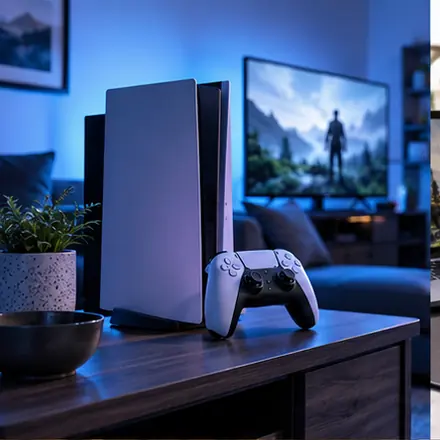
A living-room console built around TV play, the DualSense controller and a catalogue of PlayStation and multiplatform games. Check the games, accessories and subscription features you want before choosing a model.

Before choosing
  • Check whether the model has a disc drive.
  • Confirm storage and the game’s display modes.
  • Check console sharing and included subscription benefits.
Official documentation ↗
Console · VR
02
Xbox
Microsoft

Xbox

The Xbox ecosystem connects console, Windows PC and compatible cloud devices. Game Pass catalogues and features depend on the plan, so compare the devices and games included in each offer.

Before choosing
  • Confirm console, PC or cloud availability for the game.
  • Distinguish cross-save, cross-buy and cross-play.
  • Check video modes, storage and disc support for the model.
Official documentation ↗
Console · PC · Cloud
03
Nintendo Switch 2 & Switch
Nintendo

Nintendo Switch 2 & Switch

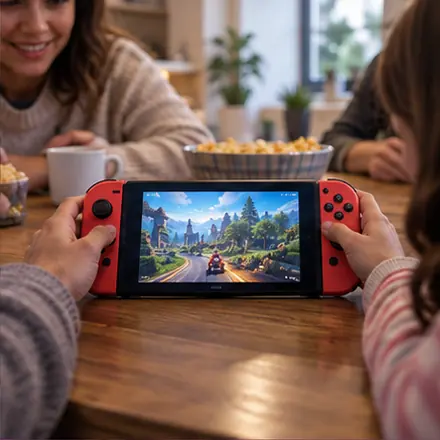
Nintendo’s hybrid systems combine portable play with shared sessions on a television. Game and accessory compatibility varies between Switch and Switch 2: check the exact model before buying.

Before choosing
  • Check game and accessory compatibility with Switch or Switch 2.
  • On Switch 2, check game-key cards, downloads and microSD Express storage.
  • Confirm local players, parental controls and online requirements.
Official documentation ↗
Hybrid console
04
PC gaming
Open ecosystem

PC gaming

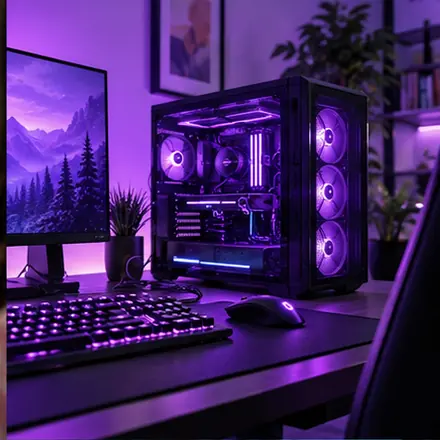
PC gaming offers a broad choice of stores, graphics settings, peripherals and mods. Compare system requirements, component compatibility and the cost of future upgrades.

Before choosing
  • Identify exact CPU, GPU, memory and operating system.
  • Check requirements, store and publisher account.
  • Test saves, peripherals and mods on the actual game version.
Official documentation ↗
PC · Portable
05
Mobile
iOS · Android

Mobile

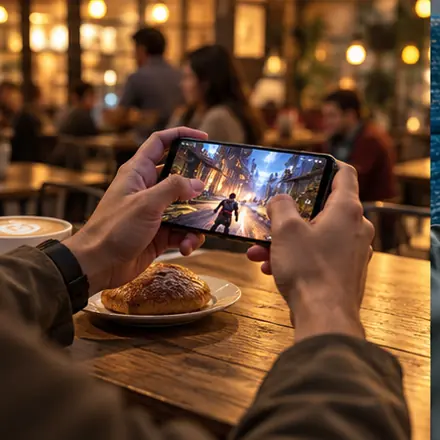
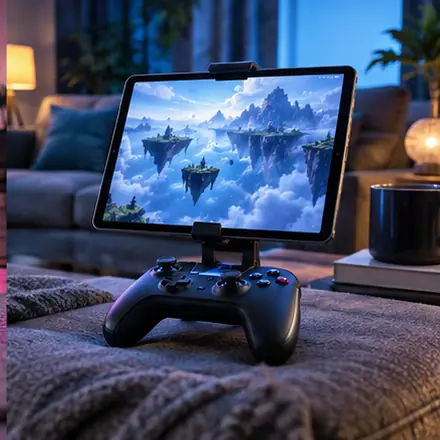
Smartphones offer touch-based gaming without a dedicated console. Check storage, battery use and the business model: games may use an upfront purchase, advertising, subscriptions or in-app purchases.

Before choosing
  • Check system version, supported devices and storage.
  • Distinguish upfront purchase, ads, subscriptions and in-app purchases.
  • Check touch controls, controllers, saves and offline access.
Official documentation ↗
Touch · Cloud
06
Handheld gaming PCs
Windows · SteamOS · Linux

Handheld gaming PCs

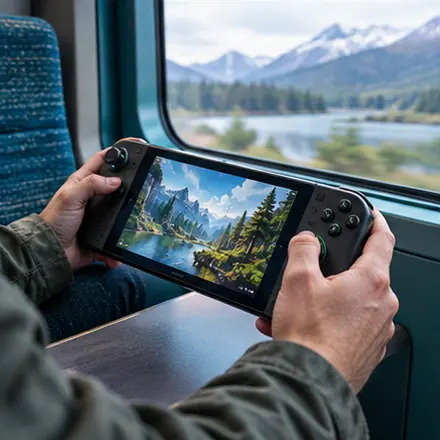
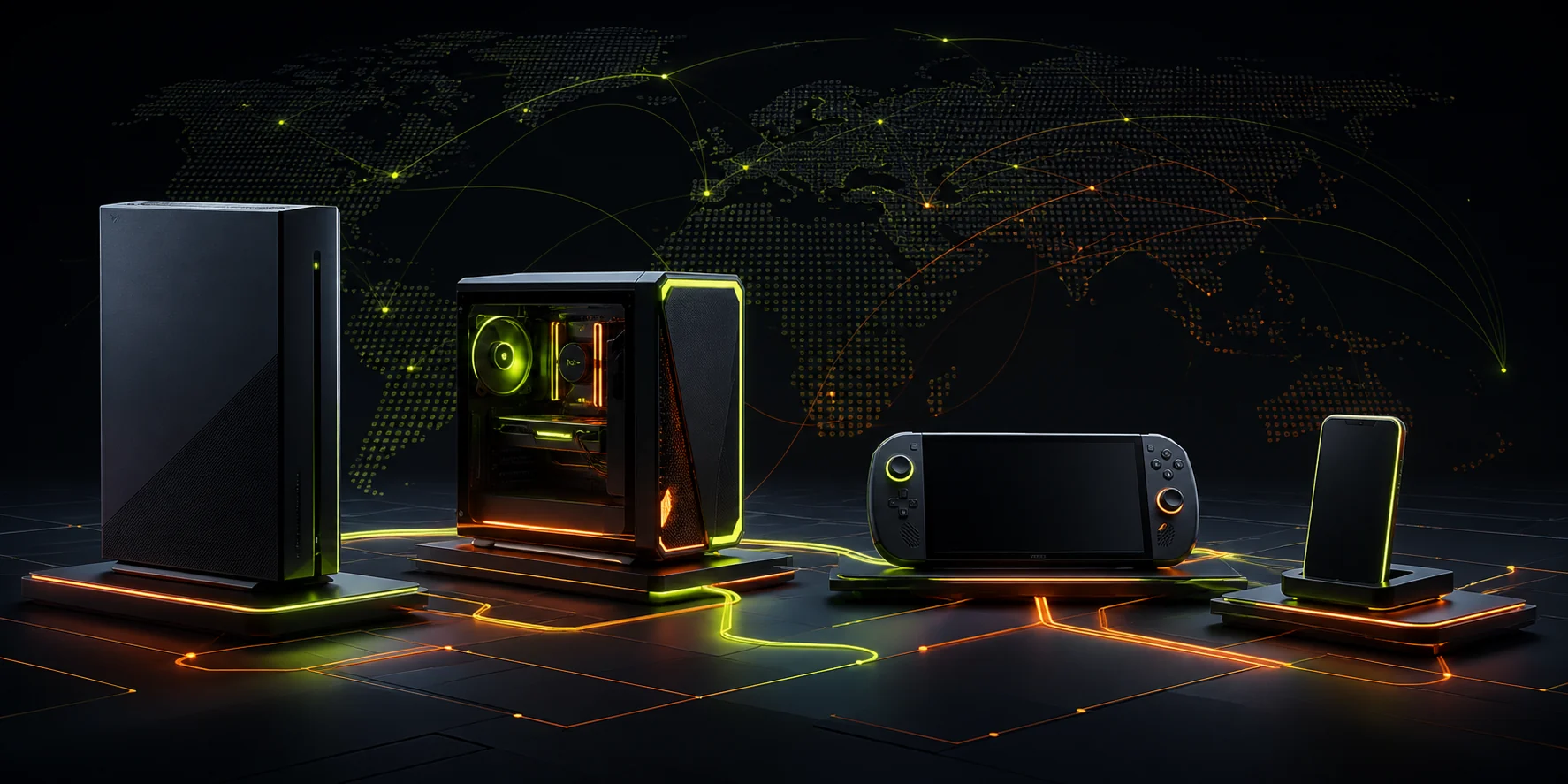
Handheld PCs bring computer game libraries into a portable format. Battery life, weight and game compatibility vary by device and operating system.

Before choosing
  • Check operating system and anti-cheat compatibility.
  • Compare readability, controls and battery life in your games.
  • Test dock, charger and save synchronisation when changing screens.
Official documentation ↗
Handheld · Hybrid
07
Virtual reality
VR ecosystems

Virtual reality

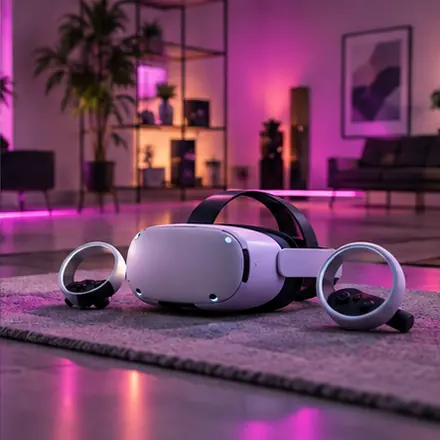
VR uses head and hand movements to interact with games. Check available space, headset comfort and whether the experience requires a PC or console.

Before choosing
  • Distinguish standalone, PC and console headsets.
  • Check room space, controls and comfort modes.
  • Try fitting, clarity and short sessions before adding accessories.
Official documentation ↗
Headset · Controllers
08
Cloud gaming
Remote services

Cloud gaming

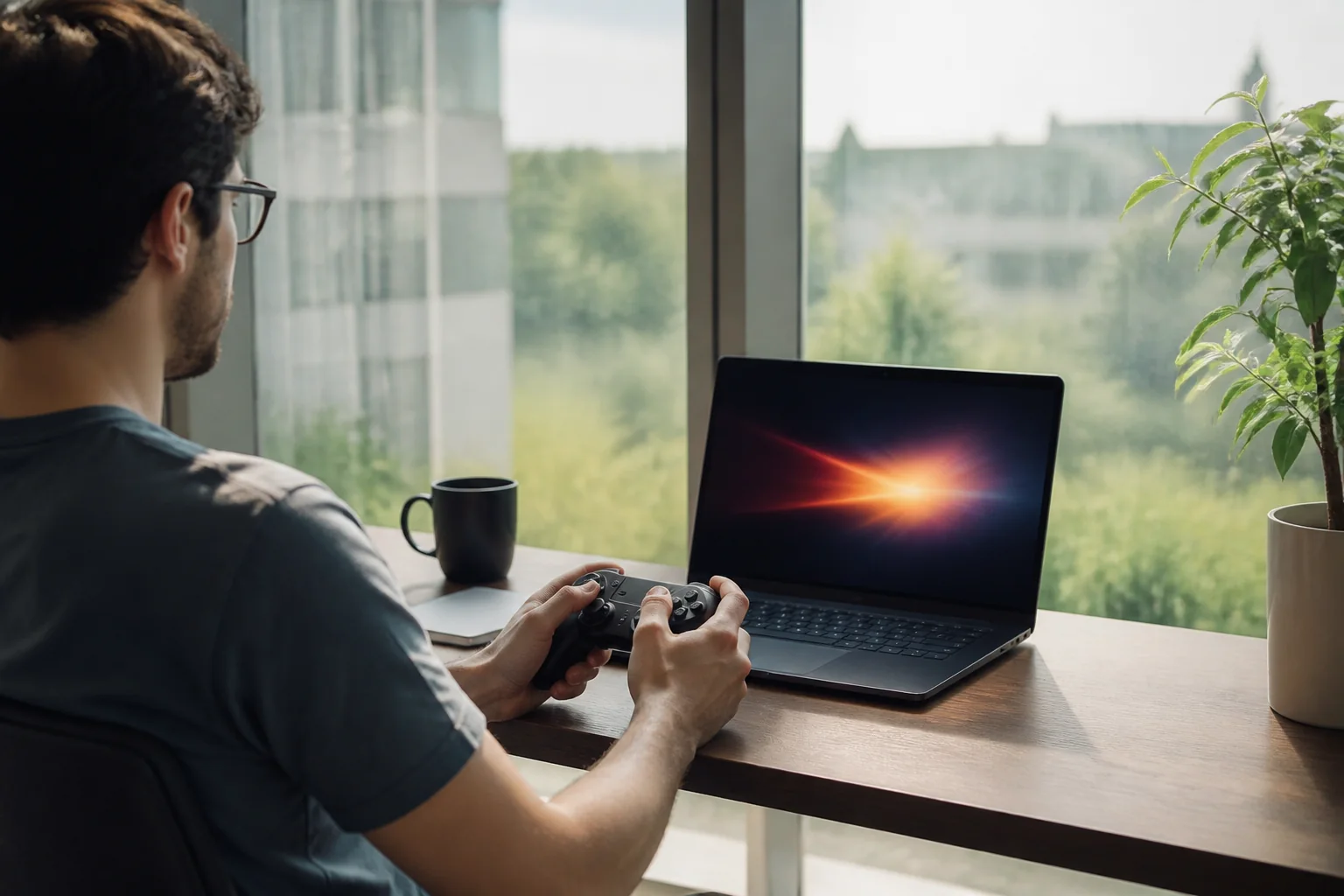
Cloud gaming runs a game on a remote server and streams it to your screen. Connection quality, latency, supported devices and the service’s current catalogue determine the experience.

Before choosing
  • Check game, store, region and device support.
  • Test response and stability at your usual playing time.
  • Compare session limits, queues and access after cancellation.
Official documentation ↗
Streaming · Multi-screen